

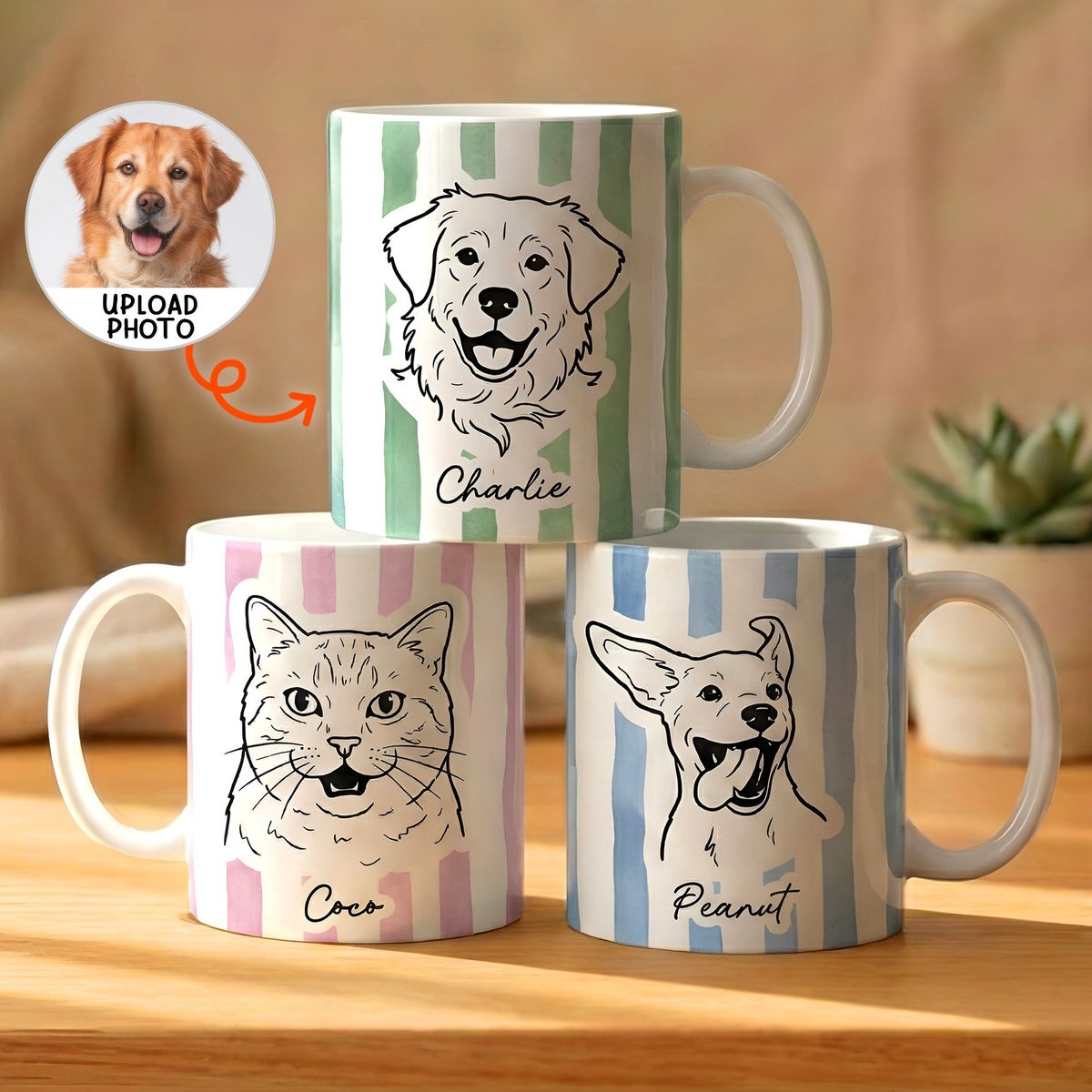
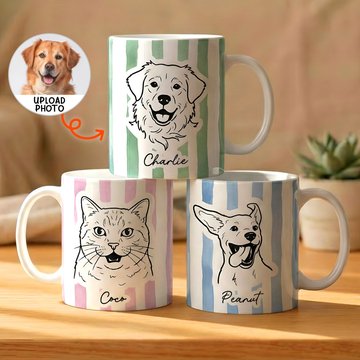
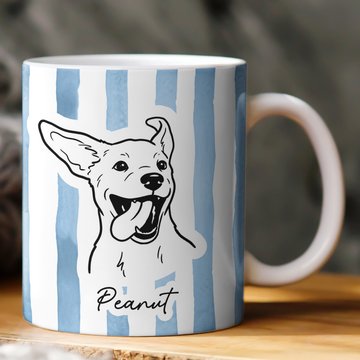
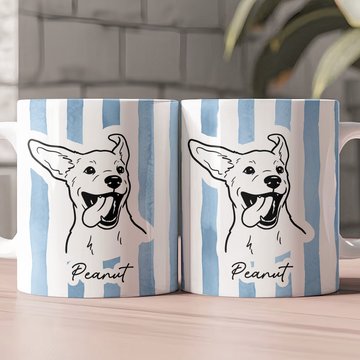
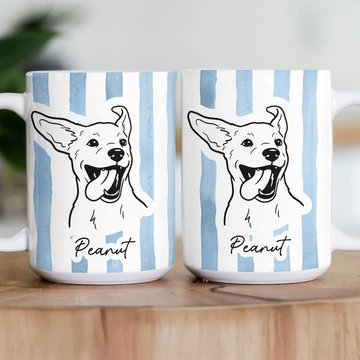
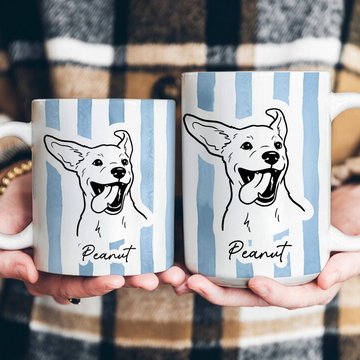
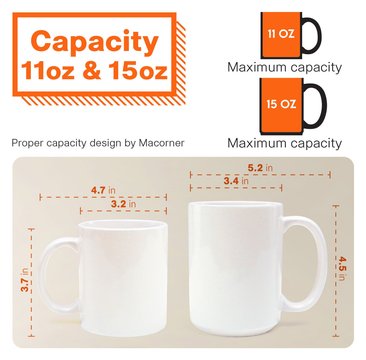
Custom Pet Portrait Mug Dog Mug Cat Mug New Version - Personalized Photo Mug
Buy More, Save More
- Buy 2 (2nd Item)Get 10% Off
- Buy 3 (3rd Item)Get 15% Off
- Buy 4+Get 20% Off
- Order $80+✓ FREE Shipping
Size: 11oz
Size GuideBuy More Save More (Different Designs): 1 PC
Press Space On The Keyboard If You Don't Want To Include Name
Press Space On The Keyboard If You Don't Want To Include Name
Press Space On The Keyboard If You Don't Want To Include Name
Press Space On The Keyboard If You Don't Want To Include Name
Press Space On The Keyboard If You Don't Want To Include Name
Press Space On The Keyboard If You Don't Want To Include Name
Press Space On The Keyboard If You Don't Want To Include Name
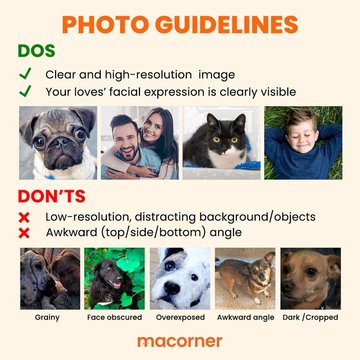
1 - CROP the image before uploading that will get you a better result. Photo with large pixels and a high resolution is highly recommended.
2 - Click the SELECT IMAGE button to upload your photo or re-upload another one.
3 - Adjust the photo position (change, rotate, zoom out/in, move up/down/right/left) at the function buttons below the preview.
4 - Please wait 20 - 30 seconds if using the Removed Background function.
1 - CROP the image before uploading that will get you a better result. Photo with large pixels and a high resolution is highly recommended.
2 - Click the SELECT IMAGE button to upload your photo or re-upload another one.
3 - Adjust the photo position (change, rotate, zoom out/in, move up/down/right/left) at the function buttons below the preview.
4 - Please wait 20 - 30 seconds if using the Removed Background function.
1 - CROP the image before uploading that will get you a better result. Photo with large pixels and a high resolution is highly recommended.
2 - Click the SELECT IMAGE button to upload your photo or re-upload another one.
3 - Adjust the photo position (change, rotate, zoom out/in, move up/down/right/left) at the function buttons below the preview.
4 - Please wait 20 - 30 seconds if using the Removed Background function.
1 - CROP the image before uploading that will get you a better result. Photo with large pixels and a high resolution is highly recommended.
2 - Click the SELECT IMAGE button to upload your photo or re-upload another one.
3 - Adjust the photo position (change, rotate, zoom out/in, move up/down/right/left) at the function buttons below the preview.
4 - Please wait 20 - 30 seconds if using the Removed Background function.
1 - CROP the image before uploading that will get you a better result. Photo with large pixels and a high resolution is highly recommended.
2 - Click the SELECT IMAGE button to upload your photo or re-upload another one.
3 - Adjust the photo position (change, rotate, zoom out/in, move up/down/right/left) at the function buttons below the preview.
4 - Please wait 20 - 30 seconds if using the Removed Background function.
1 - CROP the image before uploading that will get you a better result. Photo with large pixels and a high resolution is highly recommended.
2 - Click the SELECT IMAGE button to upload your photo or re-upload another one.
3 - Adjust the photo position (change, rotate, zoom out/in, move up/down/right/left) at the function buttons below the preview.
4 - Please wait 20 - 30 seconds if using the Removed Background function.
1 - CROP the image before uploading that will get you a better result. Photo with large pixels and a high resolution is highly recommended.
2 - Click the SELECT IMAGE button to upload your photo or re-upload another one.
3 - Adjust the photo position (change, rotate, zoom out/in, move up/down/right/left) at the function buttons below the preview.
4 - Please wait 20 - 30 seconds if using the Removed Background function.
1 - CROP the image before uploading that will get you a better result. Photo with large pixels and a high resolution is highly recommended.
2 - Click the SELECT IMAGE button to upload your photo or re-upload another one.
3 - Adjust the photo position (change, rotate, zoom out/in, move up/down/right/left) at the function buttons below the preview.
4 - Please wait 20 - 30 seconds if using the Removed Background function.
1 - CROP the image before uploading that will get you a better result. Photo with large pixels and a high resolution is highly recommended.
2 - Click the SELECT IMAGE button to upload your photo or re-upload another one.
3 - Adjust the photo position (change, rotate, zoom out/in, move up/down/right/left) at the function buttons below the preview.
4 - Please wait 20 - 30 seconds if using the Removed Background function.
1 - CROP the image before uploading that will get you a better result. Photo with large pixels and a high resolution is highly recommended.
2 - Click the SELECT IMAGE button to upload your photo or re-upload another one.
3 - Adjust the photo position (change, rotate, zoom out/in, move up/down/right/left) at the function buttons below the preview.
4 - Please wait 20 - 30 seconds if using the Removed Background function.
1 - CROP the image before uploading that will get you a better result. Photo with large pixels and a high resolution is highly recommended.
2 - Click the SELECT IMAGE button to upload your photo or re-upload another one.
3 - Adjust the photo position (change, rotate, zoom out/in, move up/down/right/left) at the function buttons below the preview.
4 - Please wait 20 - 30 seconds if using the Removed Background function.
1 - CROP the image before uploading that will get you a better result. Photo with large pixels and a high resolution is highly recommended.
2 - Click the SELECT IMAGE button to upload your photo or re-upload another one.
3 - Adjust the photo position (change, rotate, zoom out/in, move up/down/right/left) at the function buttons below the preview.
4 - Please wait 20 - 30 seconds if using the Removed Background function.
1 - CROP the image before uploading that will get you a better result. Photo with large pixels and a high resolution is highly recommended.
2 - Click the SELECT IMAGE button to upload your photo or re-upload another one.
3 - Adjust the photo position (change, rotate, zoom out/in, move up/down/right/left) at the function buttons below the preview.
4 - Please wait 20 - 30 seconds if using the Removed Background function.


Description
International Sizing & Dimensions: Looking for exact metric (cm / ml) and imperial (in / oz) measurements or US/UK/EU/AU/JP apparel size conversions? View our Size & Measurement Guide.
Shipping & Returns
Return & Warranty
Personalization
Workshop Craftsmanship & 80-Point QC
Share to
You may also like
See more Merry Grinchmas With Any Pet Photo - Personalized Dog Posable Plush Doll$31.45$44.95(30% off)
 Pet Loving Memory Ornament - Custom Photo Gifts$19.95
 Merry Christmas - Personalized Nightmare Mug$26.95$38.95(31% off)
 Pink Floyd Rock Legends Christmas Ornament - Personalized Custom Photo Gift For Family$19.95
 Cherished Family Memories - Acrylic Ornament - Custom Photo Gifts For Family$19.95
 Cute Cartoon Family Christmas Ornament - Custom Photo Gifts For Family$19.95
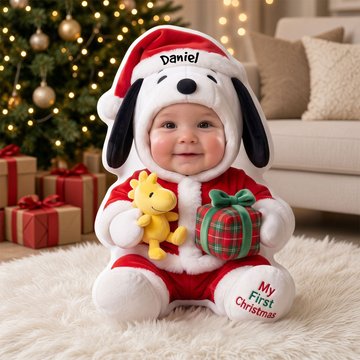 Baby First Christmas Lovely Pillow - Custom Photo Christmas Gifts For Kids$35.99
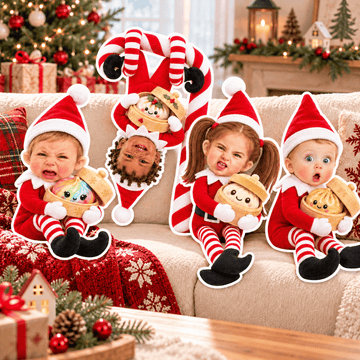 Custom Photo Baby Christmas Pillow - Personalized Gifts For Christmas$35.99
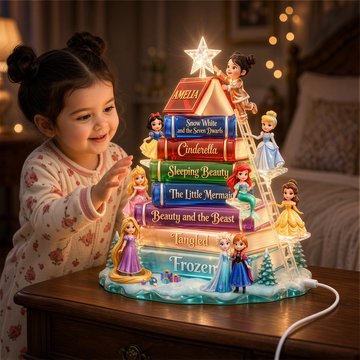 Book Tree Princess Light Box - Custom Photo Gifts For Christmas Acrylic Light Box$38.95
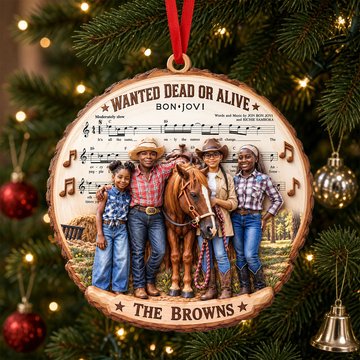 Bon Jovi Sheet Music Acrylic Ornament - Custom Photo Christmas Gifts For Rock Lovers$19.95
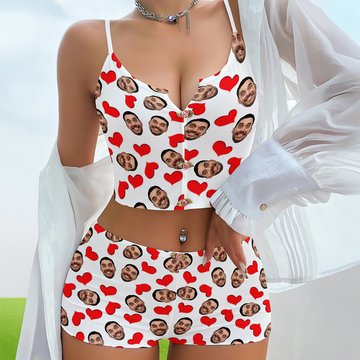 Heart Lingerie Set - Custom Photo Gifts For Her$35.99
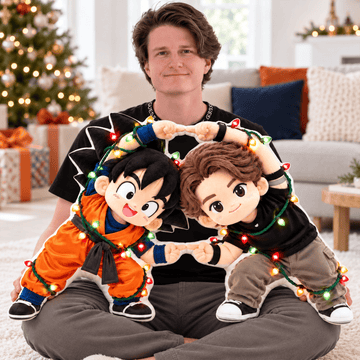 Warriors Martial Arts Dance Custom Shaped Pillow - Custom Photo Christmas Gifts$35.99
 Baby First Christmas Custom Photo Pillow - Personalized Gifts For Christmas$35.99
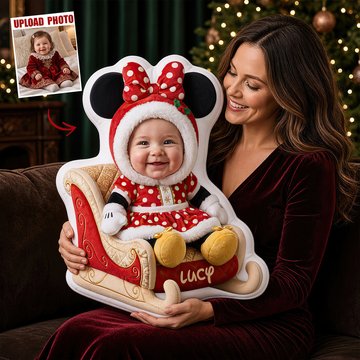 Christmas Baby Sleigh Pillow - Custom Photo Gifts For Kids$35.99
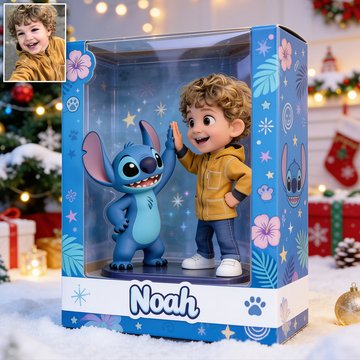 Custom Any Photo - Personalized Mouse Acrylic Display Box$31.45$44.95(30% off)
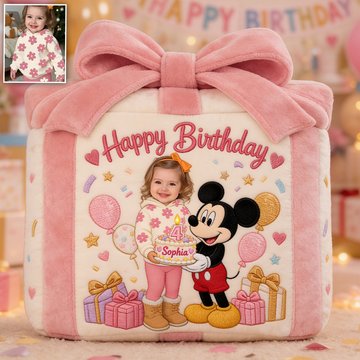 Happy Birthday Message From The Magic Mouse, Real Voice With Custom Name And Photo - Personalized Mouse Melody Plush$35.95$49.45(27% off)
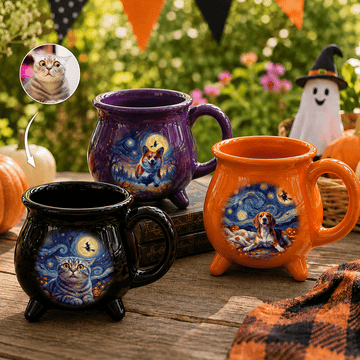 Custom Pet Dog Cat Portrait Van Gogh Halloween Art - Personalized Mug$30.95
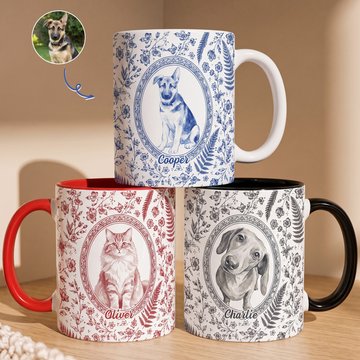 Custom Photo Watercolor Dog Cat Pet Portrait Toile Remembrance - Personalized Mug$22.45$31.45(29% off)
Customer Reviews for Custom Pet Portrait Mug Dog Mug Cat Mug New Version - Personalized Photo Mug
No customer reviews for this specific item yet. Be the first to share your feedback below.
Frequently Bought Together — Bundle & Save 10%–20% OFF
Pair with another custom keepsake to automatically unlock 10% OFF (2 items), 15% OFF (3 items), or 20% OFF (4+ items) + Free Tracked Shipping on orders $80+.